How to brand your directory
Your directory competes with anonymous, auto-generated listing sites. Google demotes those, AI assistants won’t cite them, and business owners ignore their emails. Branding is what keeps your directory out of that bucket.
It comes down to three decisions: what the site is called, who publishes it, and keeping both consistent everywhere. This guide walks through each one, using brooklyncafe.com (a cafe directory for Brooklyn) as the running example. For the full path from a niche and a city to a deployed site, see How to create a directory website.
1Name your directory
Use this pattern: place + niche + one qualifier word. The qualifier is usually “Guide” or “Directory”. Pick one and put it last. The wizard suggests a name in this shape automatically.
| Domain | Directory name |
|---|---|
brooklyncafe.com | Brooklyn Cafe Guide |
austindental.com | Austin Dental Directory |
katyhvac.com | Katy HVAC Guide |
Why not just “Brooklyn Cafe”? Three reasons:
It reads as one business, not a ranking site
To Google and to visitors, “Brooklyn Cafe” is a cafe called Brooklyn Cafe. Your directory wins searches like “best cafe in Brooklyn”, and the name should match that job.
A real business can claim the bare name
If a cafe named Brooklyn Cafe opens next year, you have a name conflict you can’t defend. “Brooklyn Cafe Guide” is obviously not them.
You can never measure your brand
When someone searches “brooklyn cafe guide”, that’s a branded search you can watch growing in Search Console. Searches for “brooklyn cafe” alone will never tell you whether your brand is growing.
Why not an invented name like “Beanseek”? Because nobody searches it, and AI assistants cite domains. If the site lives at brooklyncafe.com, the domain is already your brand. Invented names belong one level up, on the publisher (section 3).
And don’t put your company name inside the directory name (“Acme Brooklyn Cafe”). The publisher has its own slots on the site; mixing the two weakens both.
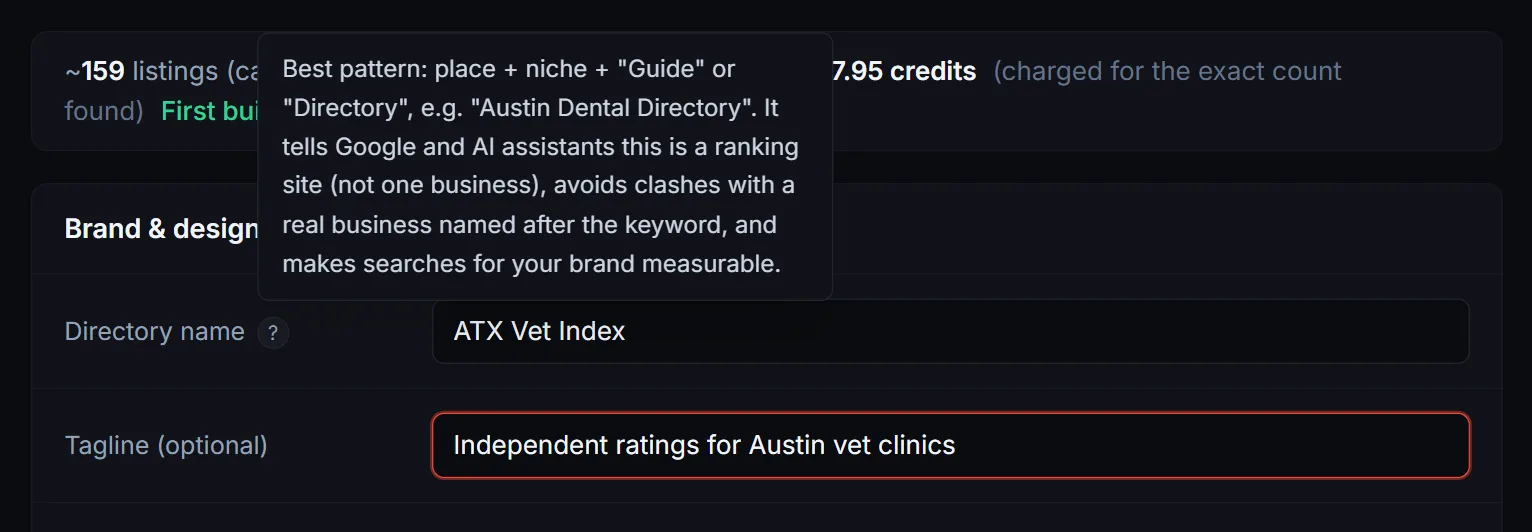
2Write the tagline
Formula: what + where + why trust it. Keep it concrete.
“Every cafe in Brooklyn, scored from real reviews and re-verified monthly.”
Skip adjectives like “best” or “ultimate”. The re-verification schedule and the scoring method are the interesting part; lead with those.
3Set up your publisher identity
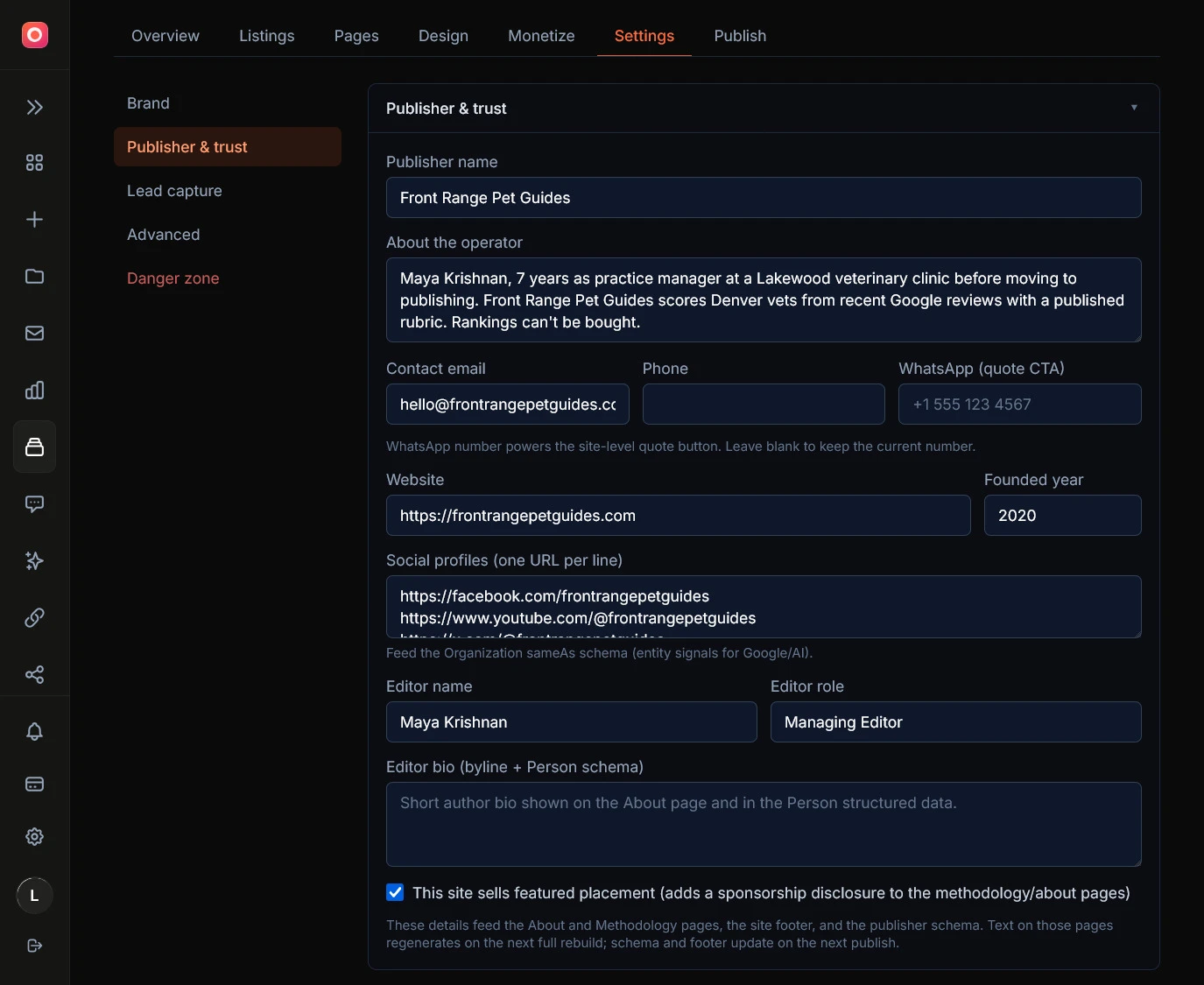
The publisher is the answer to “who is behind this site?”. Google’s quality systems ask that question, AI assistants ask it before citing you, and every business owner you email about a featured slot asks it before replying. The wizard has a publisher step; fill in all of it.
Publisher name
The brand that publishes your directories. Section 4 covers how to choose it.
About
One honest paragraph: who you are, why you run the directory, how it makes money. The “Enhance with AI” button can expand a short note into a full paragraph.
Website
Your publisher site, even a single page. It gives the name somewhere to point.
Social links
Whatever real profiles you have. One genuine LinkedIn page beats five empty accounts.
Contact email and phone
A real inbox someone reads. This is also where correction requests from listed businesses land.
Editor name and bio
The person who signs the editorial content. A real name with two sentences of background outperforms a made-up persona.
Everything you enter here feeds the About page, the methodology page, and the structured data that search engines and AI assistants read. Blank fields mean the site presents as anonymous, which is the thing we’re trying to avoid.
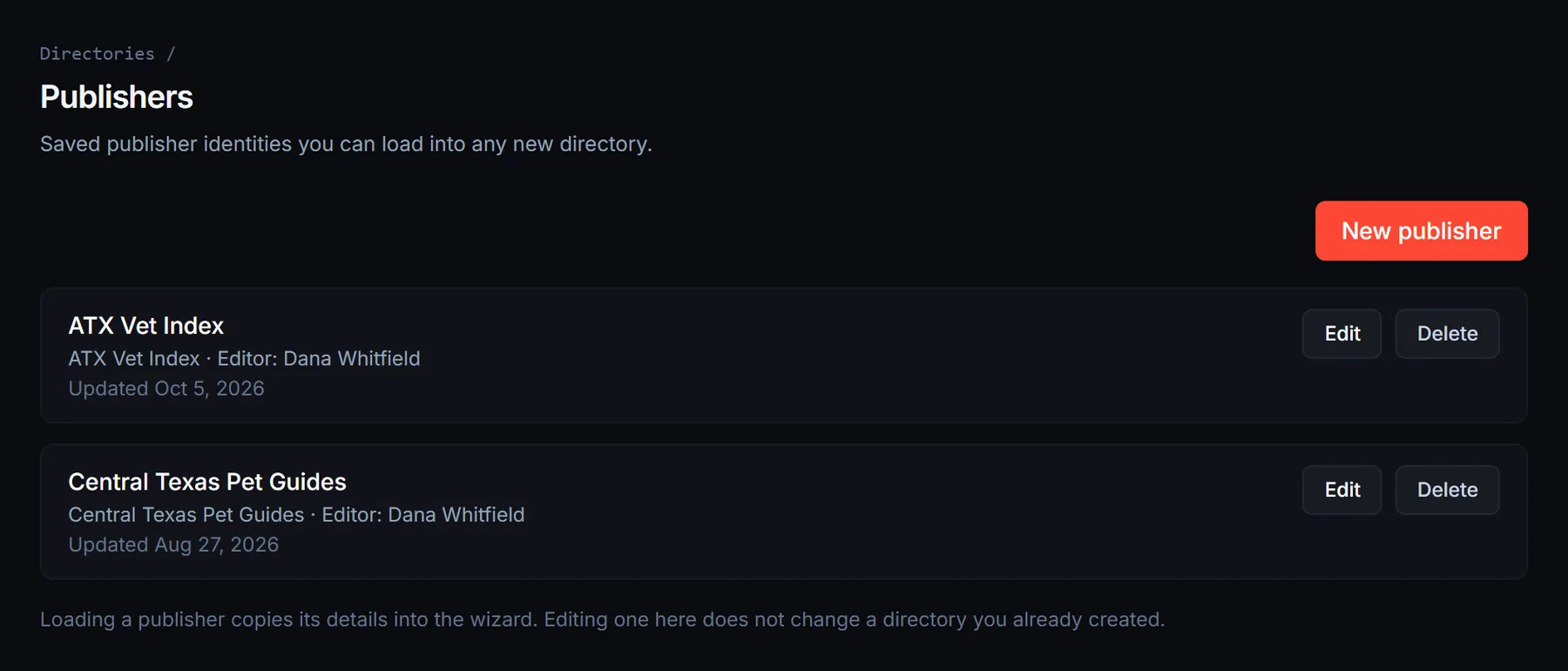
Save it once, reuse it everywhere. The wizard can store this whole block as a reusable publisher profile, and a Publishers page lets you manage your saved publishers on their own. Load one into any new directory and every field fills in from it. Section 7 covers why this matters once you run more than one directory.
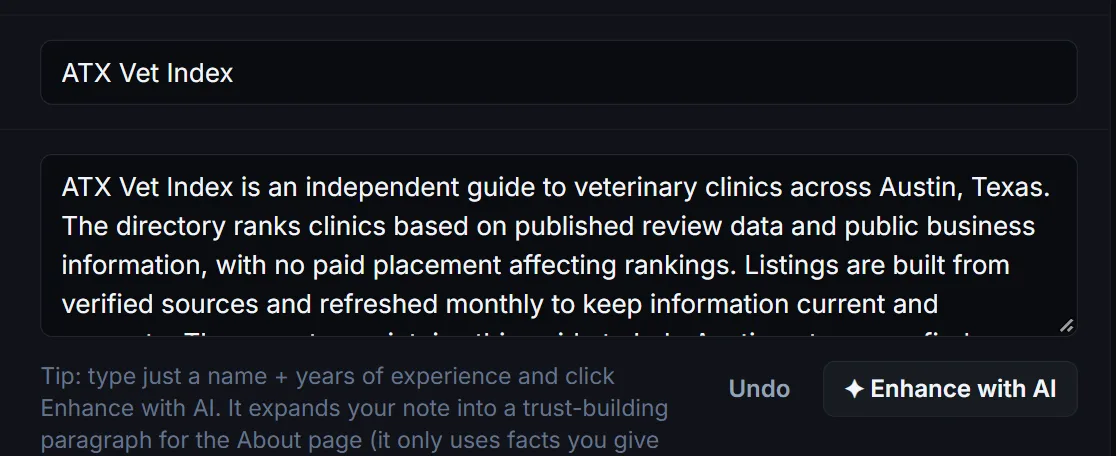
4Your company name, or a new publisher brand?
You have three options, and the right one depends on what your company does.
Use your company directly
Fine when the company is a neutral holding or media business. The publisher name, about, and website are just your company’s.
Create a publisher brand owned by your company
Best when your company sells services to the same kinds of businesses your directories rank. An SEO agency running cafe rankings under the agency’s own name invites one obvious question from every cafe owner and competitor: “is this ranking for sale?”. A dedicated publisher brand whose only business is publishing local guides doesn’t carry that baggage. Set it up like this:
- 1 Pick a name for the publisher. This is the right place for an invented name.
- 2 Give it a one-page website: who we are, which directories we publish, how scoring works, contact.
- 3 Use it as the publisher name in the wizard for every directory you build.
- 4 On its about page, state plainly who owns it: “Operated by Acme Digital LLC.” Transparency on the about page, consumer brand everywhere else.
No publisher at all
The wizard allows it, and the site falls back to presenting the directory name alone. This is the weakest position: harder to rank, harder to get cited, and near impossible to sell sponsorships from. Use it only for throwaway tests.
One rule regardless of the option you pick: if your company has clients who appear in a directory, your trust page must say that client relationships never affect scores or rankings, and those clients get no special labels. The scoring engine enforces this anyway; saying it out loud is what protects your reputation when someone checks.
5Use one name everywhere
Whatever you chose in sections 1 and 3, use the exact same strings everywhere: the wizard fields, your publisher website, your social profiles, your outreach emails. “Brooklyn Cafe Guide” on the site and “BK Cafe Guide” on LinkedIn count as two different names to the systems that match entities. Same for the publisher: don’t sign emails “Acme” if the site says “Acme Digital”.
Your directory already does its half of this automatically: the site name you enter is used verbatim in the page titles, the structured data, the footer, and the llms.txt file that tells AI assistants how to cite you. Your half is keeping the off-site surfaces consistent.
6Design settings
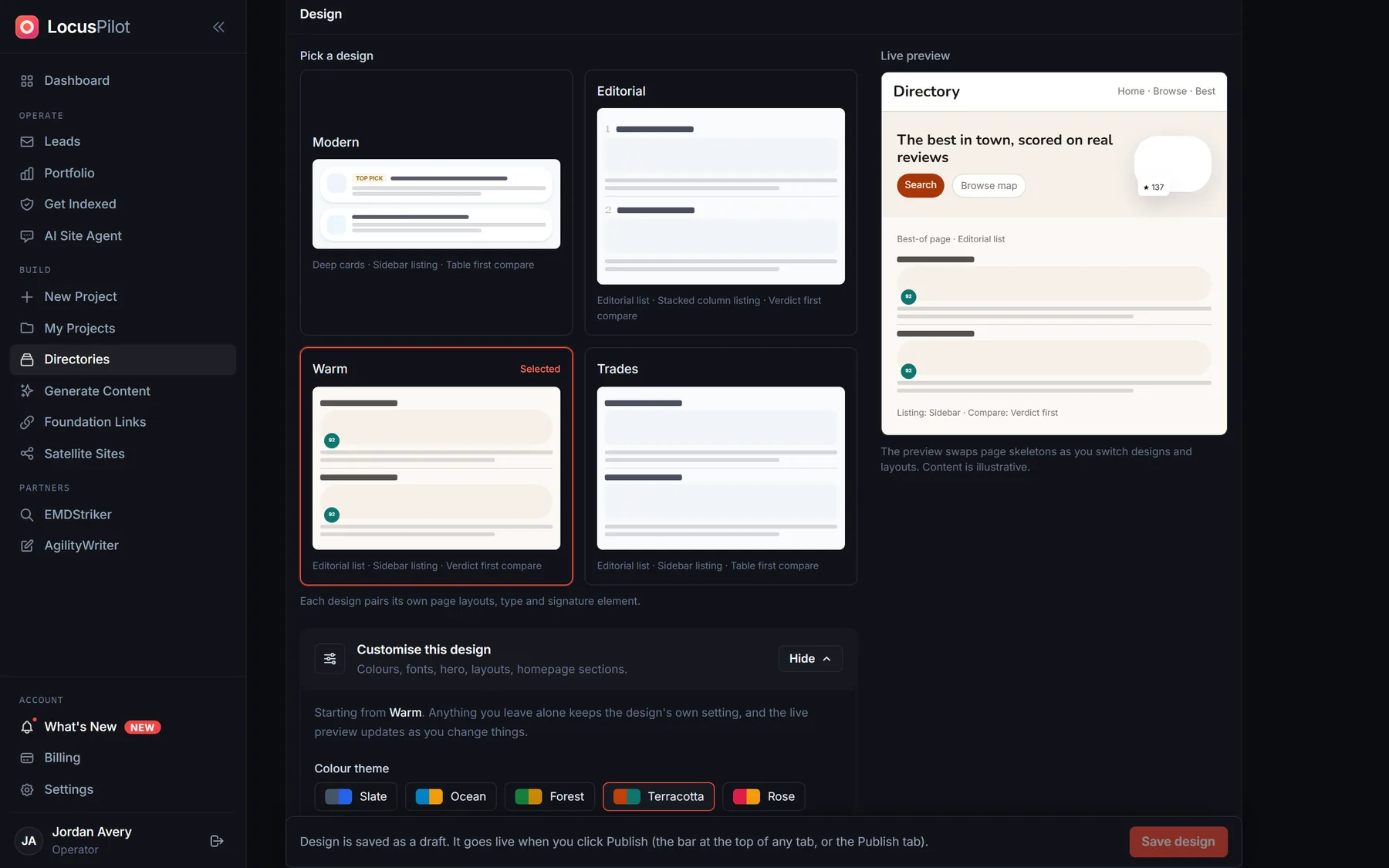
Design is the smaller half of branding, and the built-in system already handles most of it. Pick a design preset close to your niche’s feel, upload a logo (plus the on-dark variant for photo headers) and a favicon, and set your brand color. That’s enough for launch.
Tip: every design choice can be changed later from the dashboard and applied with a redeploy, so don’t stall a launch polishing colors.
7Running several directories
Register your naming pattern early
Once brooklyncafe.com ranks, queenscafe.com and bostoncafe.com become obvious to everyone else too. Domains are cheap; register the cities you plan to build before the first one proves the pattern.
Use one publisher across all your directories
A shared publisher builds trust that compounds. Fifty anonymous lookalike sites build the opposite. Save your publisher once as a profile, from the wizard or the Publishers page, then load it into each new directory so the operator name, bio, contact, and editor read identically across the network with no retyping. Loading a profile copies the values in; editing the profile later leaves your already-built directories untouched, so each one keeps its own snapshot.
Don’t cross-link your directories from every page
The footer links to your publisher site; the publisher site lists your directories. That’s enough.
Launch checklist
- ✓ Directory name follows place + niche + qualifier.
- ✓ Tagline states what, where, and the trust hook.
- ✓ Publisher step fully filled: name, about, website, socials, contact, editor.
- ✓ Publisher website live, with the operated-by line if it’s a separate brand.
- ✓ Same name strings across site, socials, and email.
- ✓ Logo, favicon, preset, and brand color set.
- ✓ Domains for your next cities registered.
Frequently asked questions
Does an exact-match domain still boost rankings?
Less than it used to, and it’s not why the pattern works. The domain gives you a memorable, citable handle; the ranking comes from the content, the scoring methodology, and the trust signals this guide sets up. Treat the domain as branding that happens to contain your keyword, not as a shortcut.
What happens if I leave the publisher fields blank?
The site still works. It falls back to presenting the directory name alone in the footer, the About page, and the structured data. You lose the “who is behind this” answer that search engines, AI assistants, and sponsors all look for, so treat blank publisher fields as a testing-only setup.
Where does my company’s name appear if I use a separate publisher brand?
On the directory itself, only the publisher brand shows in the footer and About page. The owning company appears as an “operated by” line on the About page and in the structured data, never in the header or footer. Visitors see the consumer brand; anyone who checks finds the real company.
I run several directories. Is sharing one publisher across them risky?
Hiding a network is riskier than owning one. Your sites already share a template and infrastructure, so the connection is discoverable either way. A named publisher with a real website and genuinely useful directories is a media company; the same sites with no publisher are an anonymous network. Just keep the sites non-thin and skip sitewide cross-linking.
Can I change the branding after launch?
Yes. Publisher details, design, logo, colors, and the directory name are all editable from the dashboard and go live on the next redeploy. The name is editable too, but it feeds your page titles and structured data, so it is still worth getting right in the wizard rather than renaming later.
Do I need a different publisher for each niche?
No. One publisher can credibly cover cafes, dentists, and plumbers, because what it publishes is local guides, not cafe expertise. Split publishers only if you run genuinely separate operations (for example, different partners or different countries).
Ready to build?
The wizard walks you through the name, the publisher step, and the design settings in one pass. Ten minutes of branding input, applied to every page the engine generates.
Everything in this guide is editable later from the dashboard, the name included, so nothing locks you in. The name still feeds your titles and structured data, so get it close first.
Create a directory