AI Website Generators Compared: Finding the Right Tool for Your Needs
From Wix ADI to Cursor to LocusPilot, we compare every type of AI website generator to help you choose the right one for your project.
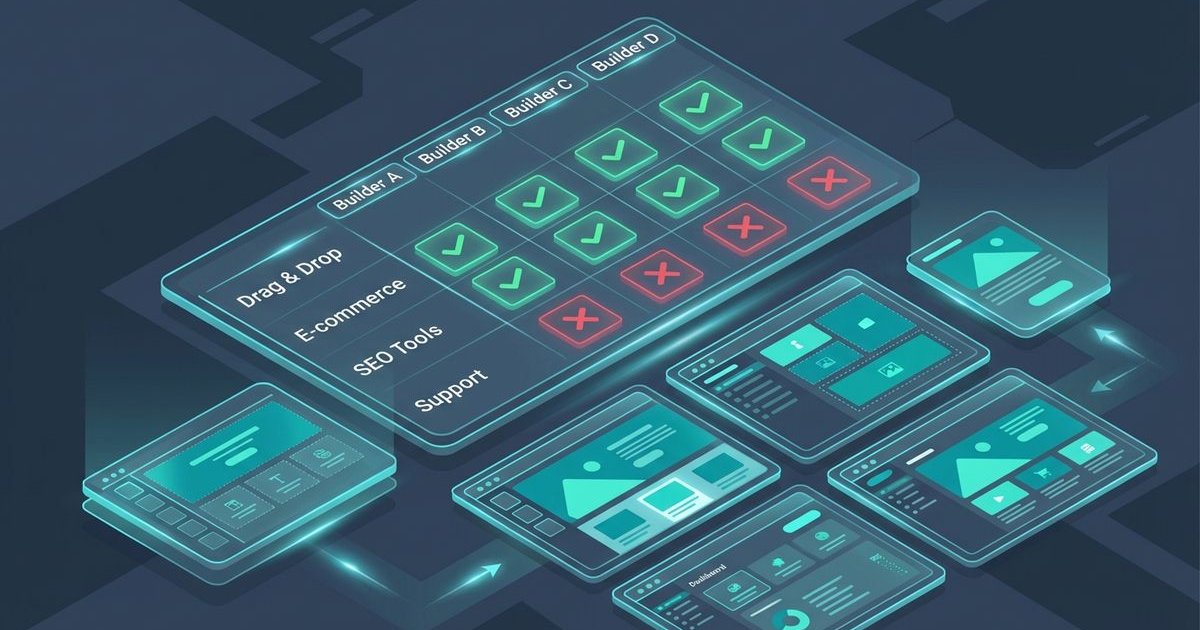
AI website generators have exploded in popularity across the United States digital market. It seems like a new tool launches every week.
We have seen countless business owners choose the wrong tool and waste both time and money.
Choosing the wrong platform often leads to frustration rather than efficiency. This guide helps you pick the right AI website generator for your specific needs.
Three Categories of AI Website Builders
AI website tools fall into three distinct categories:
Each category has different strengths, limitations, and ideal use cases.
Category 1: Template-Based AI
What They Do
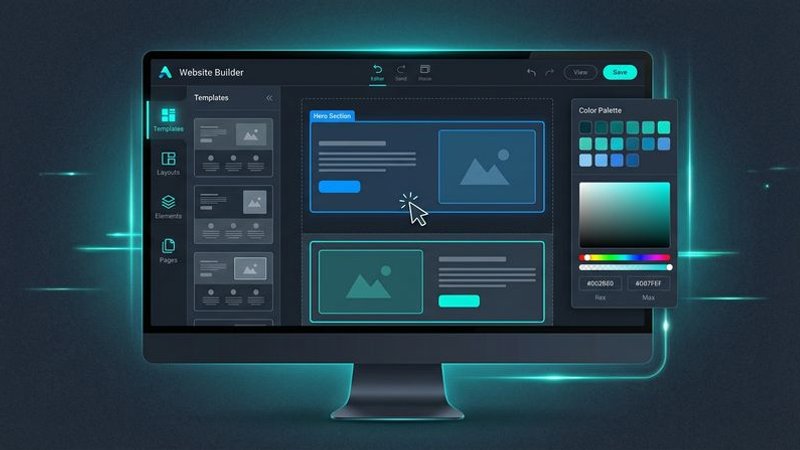
These platforms use AI to customize existing templates based on your inputs. You answer questions, and the AI adjusts colors, layouts, and placeholder content.
Popular Options
Wix ADI (Artificial Design Intelligence)- Creates a basic site in minutes.
- Limited to Wix's template ecosystem.
- Minimal SEO control.
- Monthly subscription required (Approximately $17-159/month depending on the plan).
- Sleek, design-focused templates.
- AI assists with layout selection.
- Limited customization beyond templates.
- Monthly subscription (Starts around $16/month paid annually).
- Budget-friendly option often preferred for startups.
- AI generates basic site structure.
- Limited features compared to competitors.
- Monthly subscription (Often varies between $2.99-$14.99/month, with higher renewal rates).
Pros
- Extremely fast (site in 30 minutes).
- No technical skills required.
- Built-in hosting and maintenance.
- Support included.
Cons
- Code Bloat: Heavy JavaScript often hurts Core Web Vitals scores.
- Cookie-Cutter Designs: Your site looks like thousands of others.
- Vendor Lock-in: You cannot export the code if you leave.
- Subscription Creep: Costs rise with necessary add-ons.
- Surface-Level Customization: You can't tweak deeply nested elements.
Best For
- Side projects and hobbies.
- Personal portfolios.
- Simple informational sites.
- Users with zero technical interest.
Not Ideal For
- Competitive local SEO.
- Agency client work.
- Long-term business investments.
- Users who want code ownership.
Category 2: Code-Generating AI
What They Do
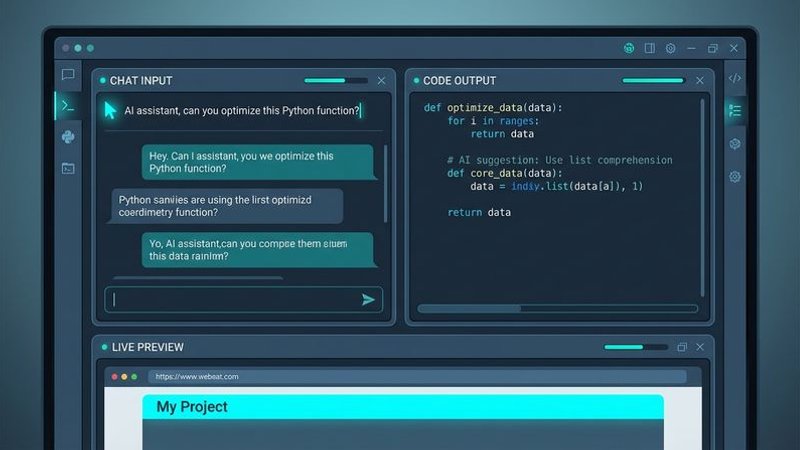
These tools write actual code from natural language prompts. You describe what you want, and the AI generates HTML, CSS, JavaScript, React, or other code.
Popular Options
Cursor- AI-powered code editor (fork of VS Code).
- Works with any programming language.
- Requires development knowledge.
- Starts at $20/month for Pro features.
- Generates full-stack applications.
- React-based output.
- Requires iterative prompting.
- Free tier available, paid plans start around $20/month.
- Browser-based code generation.
- Deploys directly to hosting (Netlify/Vercel).
- Multiple framework support.
- Usage-based pricing.
- UI component generation.
- React/Next.js focused.
- Design-centric approach.
- Free tier with premium options starting at $20/month.
Pros
- Flexible output.
- Real code ownership.
- Can build anything theoretically.
- Modern tech stack (React, Tailwind, Next.js).
Cons
- Technical Barrier: You must know how to deploy to GitHub/Vercel.
- Prompt Fatigue: Requires hours of refinement to fix bugs.
- Limited Scope: Outputs 5-10 pages typically.
- Asset Management: Images must be hosted and linked manually.
- SEO Setup: You must manually configure meta tags and sitemaps.
- No Niche Knowledge: The AI doesn't know local business laws or norms.
Best For
- Developers speeding up workflow.
- Custom web applications (SaaS).
- Unique, non-standard projects.
- Technical founders.
Not Ideal For
- Non-technical business owners.
- SEO-focused local business sites.
- Scaling multiple client sites.
- Time-sensitive projects.
Category 3: Purpose-Built Generators
What They Do
These tools are designed for specific outcomes. Rather than generating generic code or customizing templates, they produce comprehensive, specialized output.
The Local Business Focus
LocusPilot (this is us)We specifically built this for local business websites with SEO as the primary goal.
What makes it different:- Output: 10-80+ pages (not 5-10).
- Research: AI analyzes your niche and competitors before generating.
- Content: SEO-optimized, unique content for every page.
- Images: Generated and applied automatically.
- Schema: 15+ structured data types included (LocalBusiness, Service, Review).
- Technical SEO: Internal linking, sitemaps, meta tags built-in.
- Hosting: Deploys to Cloudflare Pages (free forever).
Pros
- Comprehensive output.
- SEO built into every step.
- No technical skills needed.
- No ongoing costs (after generation).
- Images included.
- Industry-specific optimization.
Cons
- Limited to supported use cases.
- Less custom than code generators.
- Template-influenced design system.
Best For
- Local service businesses (Plumbers, Roofers, HVAC).
- SEO agencies.
- Rank-and-rent operators.
- Anyone prioritizing search rankings.
Not Ideal For
- E-commerce with complex inventory.
- Custom web applications.
- Non-business websites.
Head-to-Head Comparison
We have compiled a clear comparison of the key features across all three categories to help you decide.
| Feature | Template AI | Code AI | Purpose-Built |
|---|---|---|---|
| Setup time | 30 min | 2-4 hours | <10 min |
| Page count | 5-10 | 5-10 | 10-80+ |
| Technical skill needed | None | High | Low |
| Code ownership | No | Yes | Yes |
| SEO optimization | Basic | Manual | Comprehensive |
| Image handling | Stock photos | Manual | Automatic (Branded) |
| Schema markup | Limited | Manual | 15+ types |
| Ongoing costs | $16-160/mo | $0-20/mo | $0/mo |
| Customization | Low | High | Medium |
| Internal linking | Manual | Manual | Strategic |
Which Tool for Which Situation?
Scenario 1: Personal Portfolio
Best choice: Template-Based AIYou just need something live quickly. SEO doesn't matter. Squarespace or Wix will have you online in under an hour.
Scenario 2: Custom Web App
Best choice: Code-Generating AIYou're building something unique like a SaaS product, a custom tool, or an interactive experience. Cursor or Lovable will help you move faster.
Scenario 3: Local Business Website (SEO Priority)
Best choice: Purpose-Built GeneratorYou need to rank in local search results. A plumber in Dallas or an HVAC company in Phoenix needs comprehensive service pages, location pages, and blog content. LocusPilot generates this automatically.
Scenario 4: Agency Building Client Sites
Best choice: Purpose-Built GeneratorYou're delivering 10+ sites per month for local business clients. Template AI is too limited. Code AI takes too long. Purpose-built tools scale.
Scenario 5: E-commerce Store
Best choice: Depends on complexity- Simple product catalog: Shopify (not AI-focused, but specialized).
- Custom marketplace: Code-Generating AI.
- Local retail with SEO focus: Purpose-Built + manual product integration.
The Hidden Costs
Template-Based AI
We often see users ignore the long-term financial impact of subscriptions.
- Annual Fees: Monthly subscriptions add up to $200-$2,000/year.
- Switching Costs: You must start over completely if you leave.
- Opportunity Cost: Limited SEO features mean lost organic traffic.
Code-Generating AI
We recommend this route only if you have significant time to invest.
- Time Investment: Expect 5-10 hours per project for debugging.
- Learning Curve: You must understand React/Next.js to fix errors.
- Maintenance: You own it, so you fix it when it breaks.
- Knowledge Gap: Requires deep SEO expertise to implement correctly.
Purpose-Built Generators
We designed this model to minimize recurring expenses.
- One-time cost.
- Learning the specific workflow.
- Limited to supported project types.
The Local Business Problem
Here's why local businesses specifically struggle with Categories 1 and 2.
Template AI gives you a 5-page site. That's not enough pages to compete for local keywords. You can't rank for "ac repair Dallas" and "furnace installation Fort Worth" and "emergency hvac repair" with 5 pages. Code AI can build more pages, but who writes the prompts? Who knows what pages to create? Who handles the SEO optimization? For each page? That requires expertise most business owners don't have. Purpose-Built generators understand that a plumber needs:- Service pages for each service.
- Location pages for each area served.
- Blog content for topical authority.
- Schema markup for rich results (Star ratings in search).
- Internal linking for SEO.
This domain knowledge is embedded in the tool, not required from the user.
Making Your Decision
Choose Template AI if:
- Speed is everything.
- SEO doesn't matter.
- You want zero technical involvement.
- Budget allows for $200+/year indefinitely.
Choose Code AI if:
- You're a developer.
- You're building something custom.
- You want maximum flexibility.
- You'll handle SEO separately.
Choose Purpose-Built if:
- You're a local business.
- Search rankings matter.
- You want comprehensive output.
- You don't have SEO expertise.
The Bottom Line
There's no universally "best" AI website generator. There's only the best tool for your specific situation.
We know that for local businesses competing in search results, purpose-built generators offer the most complete solution. They understand what pages you need, generate SEO-optimized content, and handle technical implementation automatically.
For developers building custom applications, code-generating AI provides flexibility and ownership.
For quick personal projects, template-based AI gets you live faster than anything else.
Choose based on your actual needs rather than marketing hype. The right tool makes the difference between a website that ranks and one that doesn't.
Ready to build a rank-ready site?
Get 30+ pages, auto-applied images, and full SEO setup in minutes.
Get started